How to Recover a Hacked Account and Protect Your Money
Discovering that your email, social media or banking account has been hacked is frightening. Attackers may lock you out, message your contacts for money or try to reach your bank. Acting quickly and calmly makes a big difference. This guide gives a step-by-step plan to recover a hacked account and protect your money, and shows how to make a repeat attack much harder.
Signs your account may be hacked
- You cannot log in with your usual password.
- You receive password reset emails or codes you did not request.
- Friends tell you they received strange messages from you.
- There are posts, purchases or sent emails you did not make.
- You see logins from unfamiliar devices or locations.
- Your recovery email, phone number or settings have changed.
Step 1: Act on the most important account first
Email is the key to everything, because password resets go there. If your email may be compromised, recover it first. Then move to banking and payment accounts, followed by social media and shopping accounts.
Step 2: Use the official recovery process
Go directly to the service’s official website or app and choose the “forgot password” or “account recovery” option. Do not follow links in messages that claim to offer help, because criminals create fake recovery pages. Follow the steps the platform provides, which may include verifying a recovery email, a phone number or an identity check.
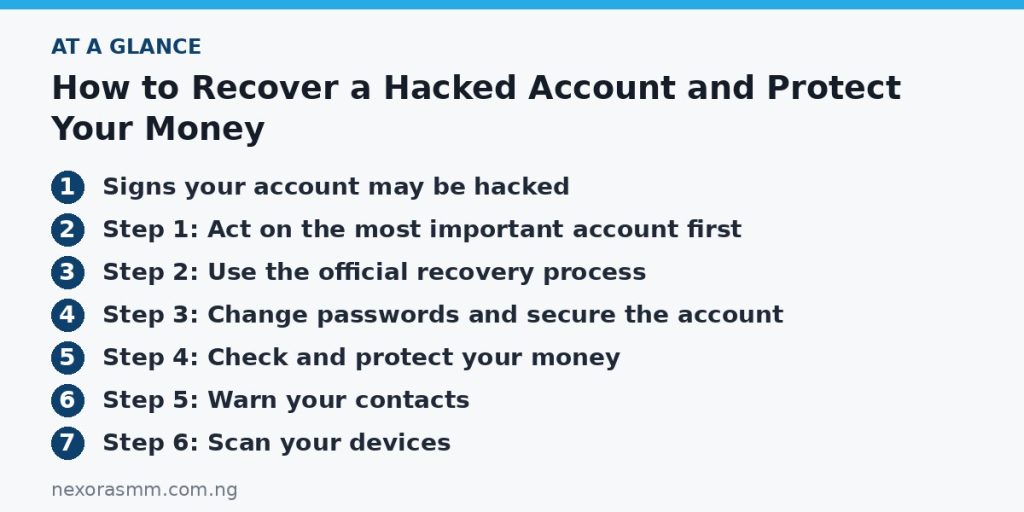
Step 3: Change passwords and secure the account
- Create a new, long and unique password. A phrase of several unrelated words is strong and easier to remember.
- Turn on two-step verification, ideally with an authenticator app instead of text messages.
- Log out of all other devices and sessions.
- Review the recovery email and phone number and remove anything you do not recognise.
- Check email forwarding rules and connected apps and remove those you did not set up.
Step 4: Check and protect your money
If you reused the same password anywhere, change it everywhere, starting with financial accounts. Contact your bank or payment provider if you see unfamiliar transactions, or if the hacked account was linked to payments. Ask them to block affected cards, reverse unauthorised charges where possible and advise you about further steps. Keep records of dates, amounts and messages.
Step 5: Warn your contacts
Tell friends and family that your account was compromised and that they should ignore any unusual messages or requests for money. Use a different channel, such as a phone call, to confirm anything urgent.
Step 6: Scan your devices
If malware stole your password, a new password will not help for long. Update your phone or computer, install updates, run a reputable security scan and remove apps you do not recognise. Avoid installing software from unofficial sources.
Step 7: Report the incident
Report the hack to the platform and, where money was lost or a crime occurred, to the police or the relevant cybercrime authority in your country. Keep a copy of the report number for your bank.
How to prevent it from happening again
- Use a different password for every important account, and consider a password manager.
- Be cautious with links and attachments, especially those that create urgency.
- Never share one-time codes with anyone, even someone claiming to be from a company.
- Keep your devices and apps updated.
- Check account security settings every few months.
Create a simple security routine
Set aside fifteen minutes every few months to check your most important accounts. Review recent logins, remove devices you no longer use, confirm that your recovery email and phone number are still correct and update any weak or repeated passwords. Check that your phone and computer have the latest updates. Write down the official recovery steps for your main accounts in a safe place so you are not searching for them during a stressful moment.
Watch for the next scam
After a hack, you may be targeted by follow-up scams, such as people offering to “recover” your money or account for a fee. Be cautious about any message that appears just after the incident. Ignore anyone who contacts you first with an offer of help, and use only the official channels of your bank and the platform involved.
Frequently asked questions
What if I cannot recover the account? Keep trying the official recovery steps, provide as much proof of ownership as possible and contact support through the platform’s help centre. Avoid anyone who claims to be able to recover accounts for a fee, because many are scammers.
Should I pay a hacker? No. Paying does not guarantee anything and encourages more attacks.
Is two-step verification really necessary? It is one of the most effective protections, because a stolen password alone is not enough.
How can I tell a real support message from a fake? Official support will not ask for your password or codes. Go to the official site yourself instead of clicking links in messages.
Key takeaways
Recover your email first, use only official recovery pages, change passwords, turn on two-step verification and check your money and devices. Warn contacts, report the incident and strengthen your habits. Fast, careful action limits the damage.
Educational content only — not financial advice. Income and savings results vary and are never guaranteed. How we write
Enjoyed this story?
Get the best stories delivered weekly.