How to Add a Higher-Timeframe Trend Filter to a Trading Indicator
Last checked: 12 October 2026. This guide draws on the MQL5 reference for iMA and CopyBuffer and on MQL5.com community posts about multi-timeframe repainting. Code is a teaching example; test on a demo account.
A higher-timeframe filter lets a fast chart trade only in the direction of a slower one. If the daily chart is rising, you take buy signals on the 15-minute chart and ignore sell signals. It is one of the most popular ideas in technical trading, and one of the easiest to code wrongly. This guide shows how to do it without repainting.
The common bug
An MQL5.com blog post describes the problem clearly. Say you are on an M15 chart and read the H1 trend. At 10:47 the H1 bar that began at 10:00 is still forming. If you read that forming bar’s value now, and read it again at 10:52, the numbers can differ even though the hour has not finished. The indicator seems to respond instantly, which feels like a feature, but historical values will not match what you saw live. The fix the author recommends is to always read the last closed bar of the higher timeframe, shift 1, never the forming one at shift 0.
Why index alone is not enough
There is a second trap. If you ask for “shift 1 on H1” while calculating a bar from three hours ago on the M15 chart, you get the wrong H1 bar, because shift 1 always means the latest closed H1 bar, not the one that was last closed at that historical moment. Another MQL5.com author makes this point: higher-timeframe values should be addressed by time, not by index. For a live-only filter, shift 1 is correct. For a filter drawn across history, you must find the H1 bar that was closed at each M15 bar’s time.
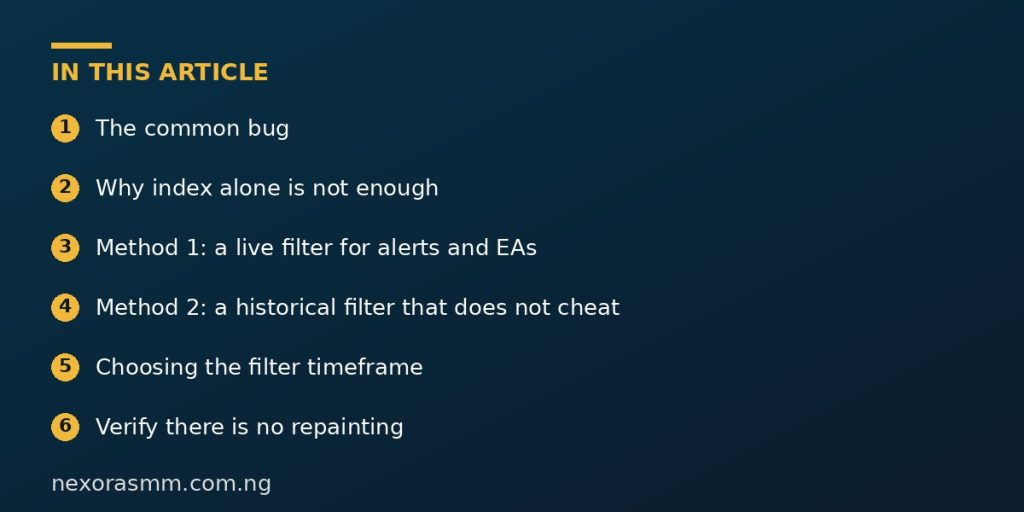
Method 1: a live filter for alerts and EAs
If you only need the filter now, for the next signal, shift 1 is simple and correct.
// Returns +1 (up), -1 (down) or 0 (unknown/flat) for the last closed bar of 'tf'
int HtfTrend(const string sym, const ENUM_TIMEFRAMES tf, const int fast, const int slow)
  {
   int hF = iMA(sym, tf, fast, 0, MODE_EMA, PRICE_CLOSE);
   int hS = iMA(sym, tf, slow, 0, MODE_EMA, PRICE_CLOSE);
   if(hF == INVALID_HANDLE || hS == INVALID_HANDLE) return(0);
   double f[1], s[1];
   bool ok = (CopyBuffer(hF, 0, 1, 1, f) == 1 && CopyBuffer(hS, 0, 1, 1, s) == 1);
   IndicatorRelease(hF); IndicatorRelease(hS);
   if(!ok) return(0);
   if(f[0] > s[0]) return(1);
   if(f[0] < s[0]) return(-1);
   return(0);
  }
In your signal code you then allow a buy only if HtfTrend returns 1, and a sell only if it returns -1. Creating and releasing handles each call is acceptable for an occasional check once per candle, but for repeated use create the handles once in OnInit.
Method 2: a historical filter that does not cheat
For an indicator that draws across history, copy the higher-timeframe values by time. CopyBuffer has a version that takes a start time and a stop time. A simpler approach is to use iBarShift to find which higher-timeframe bar contains each lower-timeframe bar, then step back one to use the previous closed bar.
// Inside OnCalculate, for bar index i on the current chart:
int htfShift = iBarShift(_Symbol, PERIOD_H1, time[i], false); // H1 bar containing time[i]
int closedShift = htfShift + 1;                                // the bar closed before it

double f[1], s[1];
if(CopyBuffer(hHtfFast, 0, closedShift, 1, f) == 1 &&
   CopyBuffer(hHtfSlow, 0, closedShift, 1, s) == 1)
  {
   int trend = (f[0] > s[0]) ? 1 : (f[0] < s[0]) ? -1 : 0;
   // use 'trend' to allow or block the signal for bar i
  }
Because iBarShift counts from the newest bar, the shift for an old time is large, and adding one reaches the bar that had already closed at that moment. This makes the historical drawing match what you would have seen live.
Choosing the filter timeframe
Traders often pick a timeframe four to six times larger than the trading chart, such as M15 with H1 or H4, or H1 with D1. This is a habit, not a rule. What matters is that the filter timeframe is slow enough to be stable and fast enough to react within your trading horizon.
Verify there is no repainting
- Attach the indicator to an M15 chart and record the filter state at the end of an hour.
- After the next H1 candle closes, check that the state shown for the earlier time did not change.
- Reload the chart and scroll back. The history should look the same as it did live.
- If the reading changes just because time passed inside an hour, you are still reading the forming bar.
Trade-offs
- A filter removes some bad signals but also some good ones, and it adds lag.
- Different filters can disagree, so keep the system simple enough to explain.
Putting the filter into practice
Keep the filter separate from the signal code. Write HtfTrend as its own function, test it alone by printing its result on a few charts, and only then connect it to your signal. When a trade idea is rejected, log the reason, such as “blocked by H1 trend”. After a few weeks the log shows how often the filter says no, which tells you whether it is doing real work or simply sitting idle.
What we could not confirm
- That a higher-timeframe filter improves returns. It depends on the strategy and market.
- Edge cases around weekends and daily session boundaries on your broker’s server.
Frequently asked questions
Can I use more than one higher timeframe? Yes, but each added layer reduces the number of signals and increases complexity.
Does shift 1 always work? For a live decision, yes. For drawing history, use the time-based method.
Key takeaways
Never read the forming higher-timeframe bar. Use shift 1 for live checks and time-based lookup for history, and test by watching whether the reading changes while the higher candle is still open.
Sources checked
- MQL5.com blog, post on multi-timeframe indicators and repainting (shift 1 versus shift 0)
- MQL5.com blog, post on testing an indicator for repainting using a tester EA
- MQL5 Reference, iBarShift and CopyBuffer, mql5.com
Educational content only — not financial advice. Income and savings results vary and are never guaranteed. How we write
Enjoyed this story?
Get the best stories delivered weekly.