AI Voiceover and Sound Design for Short Films

Silent AI clips only become a film when sound arrives. After reading this, you will be able to plan a layered soundtrack, script lines for synthetic voices, balance levels so dialogue stays clear, and handle voice technology honestly.
Why sound carries half of the film
Viewers forgive soft images faster than they forgive bad audio. A slightly strange frame passes by, but crackling dialogue or a sudden jump in volume makes people stop watching. Sound also hides the weaknesses of generated video: a believable ambience can make a short, imperfect clip feel like a real place.
Think of your soundtrack in five layers: dialogue or narration, room tone and ambience, foley (the small sounds of movement and objects), music, and silence. Each layer has a job, and the mix is the act of deciding which one leads at each moment.
Scripting for a synthetic voice
Text written to be read is different from text written to be spoken. Synthetic voices handle short, plain sentences best, so read every line aloud before you generate it. If you stumble, the voice probably will too.
- Keep lines short and break long thoughts into separate generations.
- Spell out numbers, abbreviations and unusual names phonetically if the voice mispronounces them.
- Use punctuation to steer pacing: commas for small pauses, full stops for firm ones.
- Generate each line several times and pick the one with the most natural rhythm.
- Write narration that adds information the picture does not already show.
Name pronunciation deserves special care for African stories. Yoruba, Igbo, Hausa, Twi, Swahili and many other languages use tones and sounds that a voice tool may flatten. If a name or phrase matters, consider recording a native speaker or collaborating with one rather than accepting a flat approximation. The same principle appears in our guide on representing African stories authentically with AI.
Example prompt: Warm, unhurried female narrator, mid-thirties, calm and reflective, speaking slowly as if remembering a childhood in Enugu. Read: “Every evening, my grandmother counted the day by the sound of the pot lid. When it rattled, we knew the soup was ready.”
Voice tools differ in what they accept, so some take descriptive direction like the above and others offer only sliders. Use whatever controls yours provides, and always listen with headphones before committing.
Using synthetic voices responsibly
A synthetic voice is a creative tool, but it is also a technology that can be misused. Follow a few firm rules.
- Never clone a real person’s voice without their clear permission. That includes relatives, friends, celebrities, politicians and actors. Permission should be explicit and ideally written down.
- Disclose synthetic voices. A line in the credits or video description, such as “Narration generated with a synthetic voice,” is honest and takes seconds.
- Do not use a voice to put words in a real person’s mouth. Fiction is fine; impersonation is not.
- Read your tool’s terms. Rules on commercial use and on which voices you may use differ between providers.
If you want a performance that feels human, hiring a local voice actor is often the best option, and you can still use a synthetic voice as a temporary track while you edit. More on crediting and disclosure appears in our piece on copyright, credit and disclosure for AI films.
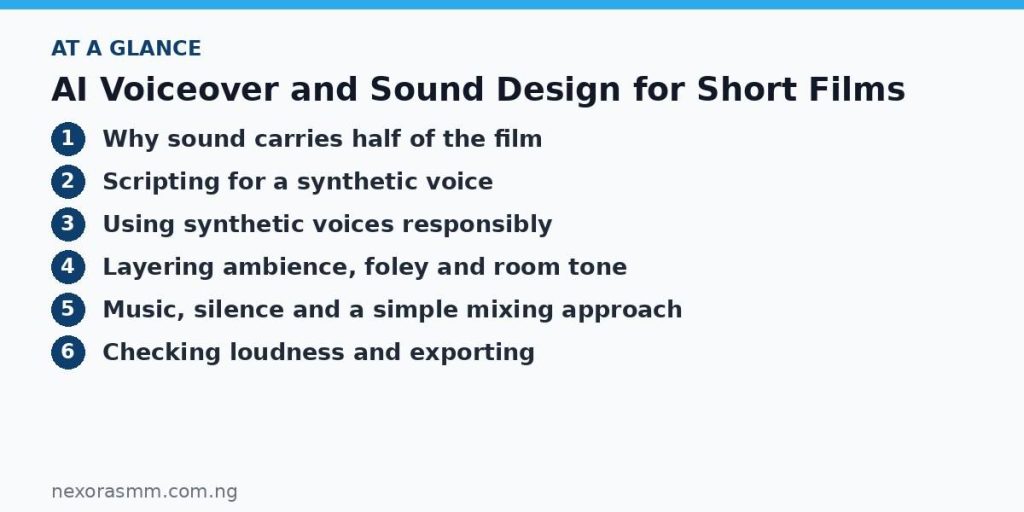
Layering ambience, foley and room tone
Ambience tells viewers where they are before they process a single image. A Lagos market is not just crowd noise; it is overlapping voices, a distant horn, plastic bags, a radio from a shop and the scrape of a metal stall. Build it in layers instead of using one long recording.
- Bed: a continuous low layer such as a generator hum, rain on a zinc roof, or wind across open land.
- Mid details: intermittent events such as a motorbike passing, a door, a hen, or a call to prayer in the distance.
- Foley: footsteps on gravel, cloth movement, a cup set on a table, a plastic chair dragged. Place these precisely against the picture.
- Room tone: the quiet sound of a space. Put a low layer of it under every dialogue shot so cuts do not feel like jumps between different rooms.
Example prompt: Ambience for a family compound in Ibadan at dusk: distant generator hum, children playing far off, a pot lid rattling nearby, a wooden gate creaking once, sparse insect sounds, no music, no clear speech.
Many creators generate sound effects with an audio tool, others use licensed libraries or record their own. Whichever route you take, check that you have the right to use the material in the way you plan to publish it.
Music, silence and a simple mixing approach
Music should support the emotion, not announce it. Choose a few instruments and a simple motif rather than a constant wall of sound, and let the track drop out under key lines. Silence is also a choice. A pause after an important sentence often lands harder than any score.
For mixing, these relative priorities are a reliable starting point.
| Layer | Role | Typical placement |
|---|---|---|
| Dialogue or narration | Leads the mix | Loudest and most consistent |
| Foley | Anchors action | Clearly audible, below dialogue |
| Ambience | Sets place | Felt more than noticed |
| Music | Sets emotion | Lower under speech, rises in gaps |
Practical tips: lower music and ambience under speech rather than raising the voice; cut harsh low rumble with a high-pass filter on voices; use gentle fades so nothing starts or stops abruptly; and listen on phone speakers and cheap earbuds, since that is how many viewers will hear your film.
Checking loudness and exporting
Keep the overall level consistent between scenes so viewers never reach for the volume button. Avoid clipping, which shows as flat red peaks in your meter. Many platforms apply their own loudness normalisation, so aim for a steady, comfortable mix rather than the loudest possible one, and check your target platform’s published recommendations.
Export a final file with the audio at a standard format your platform accepts, then watch it start to finish on a different device. Note any dialogue you struggled to understand and fix it before publishing.
Key takeaways
- Plan sound in layers: voice, ambience, foley, music and deliberate silence.
- Write for the ear, keep lines short, and generate several takes of every important line.
- Never clone a real person’s voice without permission, and disclose synthetic voices in your credits.
- Give dialogue priority in the mix, lower music beneath it, and test on phone speakers.
- Check the rights for every sound effect and music track before you publish.
Educational content only — not financial advice. Income and savings results vary and are never guaranteed. How we write
Enjoyed this story?
Get the best stories delivered weekly.