How to Design a Trading Tool That Avoids Repainting and Misleading Historical Signals
Last checked: 12 October 2026. This guide draws on MQL5.com community discussions and blog posts about repainting, and on the MetaTrader 5 Help pages about the Strategy Tester. It is educational and is not financial advice.
The word “non-repainting” appears on almost every indicator sales page, and it means different things to different people. A tool that shows perfect past signals but behaves differently live will mislead you into trusting it. This article defines repainting precisely, lists the code patterns that cause it, shows how to design around them and gives you a practical test.
Two different things people call repainting
An MQL5 forum discussion draws a distinction worth knowing. A repainting indicator, strictly, is one that changes values on past candles after they closed. Separately, an indicator that changes only the value of the current, forming bar is not repainting in that strict sense, because the value becomes fixed once the bar closes, but it can still show a false signal during the bar that disappears later. Both create the same trader experience: a signal that was on the chart is gone when you look back.
A practical definition, used in an MQL5.com blog post: an indicator repaints when a value it already showed changes later. That is the standard to hold your own tools to.
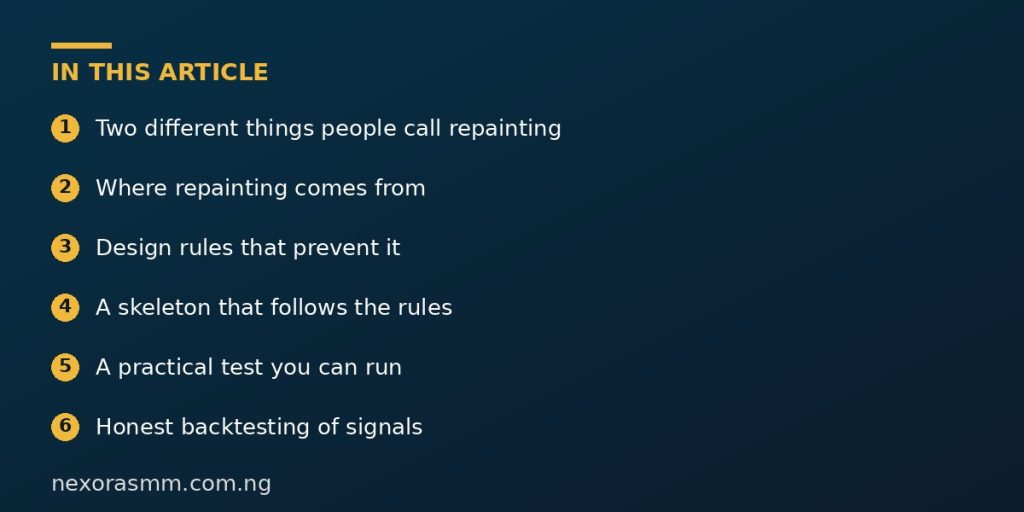
Where repainting comes from
- Using the forming bar. Reading bar 0 means reading a candle that keeps changing until it closes.
- Peeking at future bars. Zigzag and swing indicators that mark a high only after later bars confirm it will place the mark on a past bar once the future is known. That is not a signal, it is a hindsight label.
- Unclosed higher-timeframe values. Reading a higher-timeframe bar that has not closed, or addressing it by index instead of time, mixes data from different moments.
- Recalculating all history on every tick. If your OnCalculate rebuilds the whole history and the result depends on the latest data, old values can change.
- Re-initialisation differences. A forum thread points out that when an indicator reloads, history is recalculated from one tick per bar, while live it ran on many ticks per bar. If the logic uses intra-bar ticks, history and live will differ.
- Spread-dependent logic. The same blog author notes historical spread cannot be reconstructed in the tester, so a spread-based condition behaves differently on history than live.
Design rules that prevent it
- Evaluate closed bars only. Never write a signal into the forming bar. In OnCalculate with default indexing, the last element is the forming bar, so loop only up to rates_total minus 2.
- Freeze history. Once a signal is written to a past bar, do not change it. Process only new bars using prev_calculated.
- Address higher timeframes by time. Use iBarShift with the bar’s time and step back to the closed bar.
- Keep signals independent of the live spread and of tick count. Show spread as a separate warning instead.
- Label delayed confirmations honestly. If a swing needs three bars to confirm, say so in the description.
A skeleton that follows the rules
int OnCalculate(const int rates_total, const int prev_calculated,
                const datetime &time[], const double &open[],
                const double &high[], const double &low[],
                const double &close[], const long &tick_volume[],
                const long &volume[], const int &spread[])
  {
   if(rates_total < 100) return(0);

   int last  = rates_total - 1;                 // forming bar: do not evaluate
   int start = (prev_calculated > 1) ? prev_calculated - 2 : 50;
   if(start < 50) start = 50;

   for(int i = start; i < last; i++)            // closed bars only
     {
      // compute signal for bar i using data at i and earlier only
      // SignalBuf[i] = ...
     }
   SignalBuf[last] = EMPTY_VALUE;               // nothing on the forming bar
   return(rates_total);
  }
The loop starts a little before the previous end so the last confirmed bar is always processed once the next candle opens, and it never touches the forming bar.
A practical test you can run
An MQL5.com author describes a method: write a small Expert Advisor that runs alongside the indicator in the Strategy Tester, reads every indicator buffer for every available bar on each tick, and freezes the first value ever seen for each bar. If a later read of the same bar differs from the frozen value, the indicator has repainted. You can use a simpler manual version:
- Attach the indicator to a live demo chart and take a screenshot at a quiet moment.
- Leave it for several candles and, after each closes, compare the old area with the screenshot.
- Reload the chart and check whether history still matches the screenshot.
- Do the same on another timeframe, because repainting often appears only on one.
Be aware the same author cautions that “non-repainting” is a claim and should come with evidence. When you buy or download an indicator, run your own test rather than trusting the label.
Honest backtesting of signals
Even a non-repainting indicator can look better in a backtest than in live trading if you ignore costs, slippage and the delay between a candle closing and your order reaching the market. A signal printed at the close of a candle can only be acted on at the next open, usually at a slightly different price.
What we could not confirm
- That any particular commercial indicator is or is not repainting. Test it yourself.
- That avoiding repainting makes a strategy profitable. It only makes the history truthful.
Frequently asked questions
Is a lagging signal better than a repainting one? For honest evaluation, yes. A late but real signal is more useful than an early but unreliable one.
Can an alert be non-repainting if the indicator is? Only if the alert also fires on closed bars. Check the alert code.
Key takeaways
Define repainting as any change to a value already shown, evaluate only closed bars, freeze history, use time-based higher-timeframe lookups and test the tool yourself before you trust it.
Sources checked
- MQL5.com forum, discussion distinguishing repainting of past candles from live-bar updates
- MQL5.com blog, “non-repainting” claims and a tester-EA method to verify them (2026)
- MQL5.com blog, multi-timeframe indicators and the shift 1 rule (2026)
- MetaTrader 5 Help, tick generation modes, metatrader5.com
Educational content only — not financial advice. Income and savings results vary and are never guaranteed. How we write
Enjoyed this story?
Get the best stories delivered weekly.