Best Free AI Tools for Students and Small Businesses
Last checked: 11 October 2026. Free plans and limits change quickly, and review sites often disagree on numbers. Use this guide to choose where to start, then confirm the current limits on each tool’s own page. Students should also read their school’s rules on AI use.
Students and small business owners have something in common: not enough time and not much money. Free AI tools can help with both, as long as you use them for the right jobs and check what they produce. This guide groups the most useful free options by task, explains what each free plan is good for and points out the mistakes that cause the most trouble, such as copying AI answers without checking them or putting customer information into the wrong tool.
Tools for students
AI assistants for explaining and practising
ChatGPT, Claude and Gemini all have free tiers, and a 2026 review of free AI tools describes each as useful for writing and explanation, with usage limits that change. For study, they work best as a tutor: ask for a simple explanation of a topic, ask for practice questions, then ask it to mark your own answers and explain what you missed. Do not use them to produce an assignment you will submit as your own work unless your school allows it.
Gemini Notebook (formerly NotebookLM) for your own notes
Several 2026 reports say Google renamed NotebookLM to Gemini Notebook in July 2026. You upload your own lecture notes, textbook chapters or PDFs, and it answers questions using only those sources, which makes it easier to check where an answer came from. Reported free-plan limits are 100 notebooks, 50 sources per notebook, up to 500,000 words per source, 50 chats a day and a few audio overviews daily. It can produce study guides and summaries. Always compare them with your original material, because a summary can miss a detail your lecturer cares about.
Google Docs and Canva for assignments and presentations
Google Docs is free with a Google account and is suitable for essays, group work and CVs. Canva’s free plan includes a large template library for slides and posters, with a limited monthly allowance of AI features. Use clear slides with short text. Do not paste AI-written paragraphs into a slide without reading them.
Tools for small businesses
Canva and Adobe Express for marketing materials
Both have free plans for flyers, social posts and simple logos. Canva’s free plan is described in 2026 reviews as a permanent plan with a large template library, but some AI tools and premium templates are limited or paid. Adobe Express is reported to include a free logo maker, with a Premium plan around $9.99 a month. If you need a transparent logo or premium fonts, check whether your plan includes them before promising a customer a finished design.
CapCut for short videos
CapCut’s free plan covers basic editing, templates and automatic captions, and reviews report exports up to 1080p. Reviews also report that templates and effects marked Pro can add a watermark to free exports. For a business page, stick to free-tagged assets and watch the final video before posting.
AI assistants for everyday writing
A free assistant can draft product descriptions, polite replies to customers, a price list or an announcement for your page. Give it your real facts, prices and contact details, then read the draft and change anything that is not true. Never let it invent discounts, delivery times or guarantees.
A free website for your business
A basic site gives customers somewhere to find your hours, services and contact details. Several 2026 reviews say free AI website builders usually give you a subdomain and the builder’s branding, and a custom domain needs a paid plan. See our guide on building a website with AI without coding for the detail.
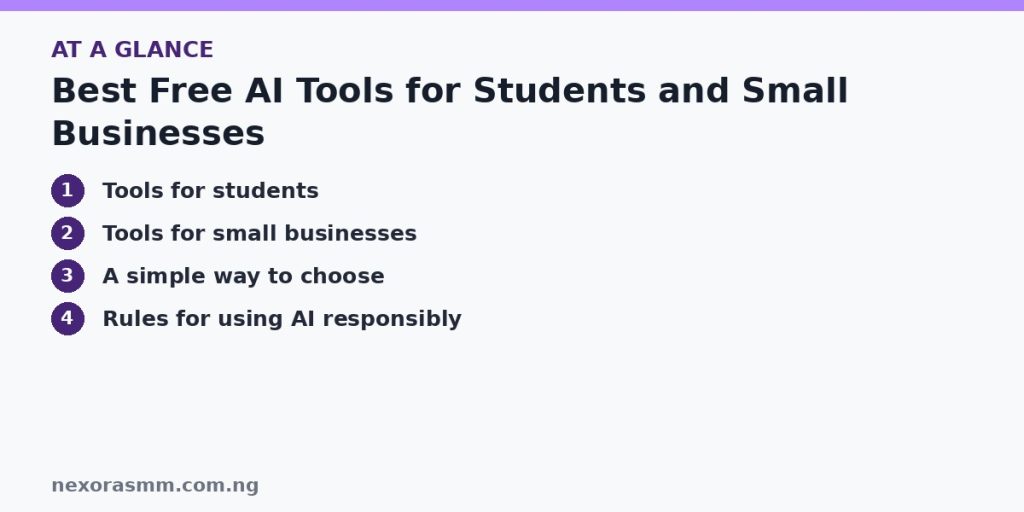
A simple way to choose
| Your task | Good free starting point | Watch out for |
|---|---|---|
| Understand a topic or practise questions | ChatGPT, Claude or Gemini free tier | Wrong facts and daily limits |
| Study from your own notes | Gemini Notebook (NotebookLM) | Summaries that miss detail |
| Slides, flyers, posts | Canva or Adobe Express | Premium templates and export limits |
| Short promo videos | CapCut | Watermarks on Pro-tagged templates |
| Product text and customer replies | Any free AI assistant | Invented claims and prices |
| Online presence | Free tier of a website builder | Subdomain and builder branding |
Rules for using AI responsibly
- Verify. AI tools can state errors confidently. Check dates, names, figures and legal or health claims against reliable sources.
- Protect personal data. Do not paste customer phone numbers, payment details or students’ private information into tools you have not checked.
- Follow school and workplace rules. Many schools set their own policy on AI in coursework. Ask your lecturer if unsure and cite AI help if required.
- Respect licences. Check whether you can use generated images or templates commercially.
- Keep your own voice. Edit AI drafts so they sound like you, especially in applications and customer messages.
What we could not confirm
- The exact current limits of each free plan. Reviews report different numbers, and I did not open every company’s own pricing page.
- Any special student discounts available to Nigerian students. Offers are often region-limited, so check each provider’s student page.
- Whether your own institution permits AI tools for coursework. That varies by school and course.
Frequently asked questions
Are these tools really free? They have free plans, but with limits. Heavy use may hit a daily cap or need a paid plan.
Is it cheating to use AI for study? Using it to understand a topic is different from submitting its writing as yours. Follow your school’s rule.
Can a small shop use AI for customer messages? Yes, if you review the draft and keep the facts accurate.
Key takeaways
For students, use an AI assistant as a tutor and Gemini Notebook for questions based on your own notes. For small businesses, use Canva or Adobe Express for designs, CapCut for video and an assistant for drafts. In every case, check the output, protect private data and read the free plan’s limits before you depend on it.
Sources checked
- Fast.io, “Best Free AI Tools in 2026: What’s Actually Free and Worth Using”
- AI Weekly, “How to Use Gemini Notebook (formerly NotebookLM): 2026 Guide”
- Elephas, “Is NotebookLM Plus Worth It in 2026? (Now Gemini Notebook)”
- Krea, “Is Canva Free? What the Free Plan and Canva AI Include in 2026”
- Krea, “How to Create a Logo in 2026: The Best AI Logo Generators Compared”
- VidPros, “CapCut Pro vs Free in 2026”
- Lilach Bullock, “Where to Build a Website With AI for Free in 2026”
Educational content only — not financial advice. Income and savings results vary and are never guaranteed. How we write
Enjoyed this story?
Get the best stories delivered weekly.