How to Build a Website With AI Without Coding
Last checked: 11 October 2026. Website builders change their free plans, prices and features often, and review sites report different details. Confirm anything that affects your money, such as domain costs or what “free” includes, on the builder’s own page before you commit.
Ten years ago a website meant hiring a developer. Today many builders will generate a first version from a few sentences describing your business, and you can edit it by clicking and typing. That is genuinely useful for a shop, a church, a freelancer or a student project. It is not magic, though. “Free” usually means a free address on the builder’s own domain, and a site that looks the same as thousands of others will not stand out in search. This guide explains how the process works, what the free plans really give you and how to avoid the common traps.
Step 1: Decide what the website is for
Write one sentence: “This site helps [type of visitor] to [do one thing].” For a tailor it might be “help customers see my work and contact me on WhatsApp”. For a blog it might be “publish helpful guides”. A clear goal decides how many pages you need and which builder to pick. Most small sites need only five pages: Home, About, Services or Products, Contact and a Privacy page.
Step 2: Understand the three types of tool
- Hosted AI site builders such as Wix, Framer, Hostinger’s builder, Durable and GoDaddy Airo. You answer questions or type a prompt, the tool creates a design and text, and the company hosts the site for you.
- Free simple builders such as Google Sites, and the website feature inside Canva. These are quick and basic.
- WordPress with AI help. WordPress gives you more control and room to grow, but needs more setup. Tools such as 10Web generate WordPress sites with AI, and a plugin like Elementor’s Angie is described by its own makers as an AI helper for WordPress dashboards.
Step 3: Know what “free” means
Reviews of free AI website builders in 2026 give a consistent picture: you can usually build and preview for free, but publishing on your own domain often costs money. Here are the patterns they report:
- Wix: a free plan with a wixsite.com address, Wix branding or ads on the page and limited storage, reported at 500MB by one review.
- Framer: a free plan that publishes on a framer.website address, with a custom domain on a paid plan.
- Canva websites: a free plan that publishes to a canva.site address, with a custom domain needing a paid Canva plan.
- Google Sites: free with a Google account. Reviews call it a simple free option, but they differ on custom domains, so check how Google handles a domain you buy.
- Hostinger’s AI builder: reviews say there is no free live site, though the AI generator can be tried first.
- GoDaddy Airo: reported as free to build and preview, with a paid plan or domain needed to publish.
- 10Web: reported as free to build and preview, with going live and a custom domain starting from about $12 a month in one review, and described as trial-only in another.
Because these reports differ, read the pricing page of the builder you choose, and look specifically for the words “custom domain” and “publish”.
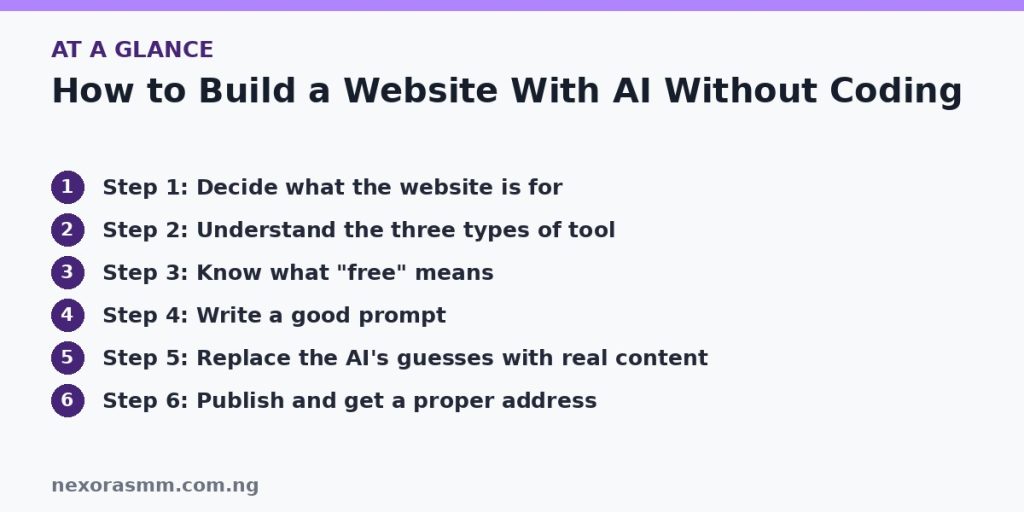
Step 4: Write a good prompt
The more concrete you are, the less generic the result. Include the business name, location, what you sell, who your customers are, your tone and the pages you want. For example:
Create a simple website for a tailoring business in Ibadan called Example Tailors. Pages: Home, Services, Gallery, About and Contact. Friendly tone. Services: native wear, school uniforms and alterations. Show a WhatsApp button and opening hours.
Replace the sample details with your own. Whatever the tool produces, treat it as a draft.
Step 5: Replace the AI’s guesses with real content
- Check every fact. Prices, hours, addresses, phone numbers and claims must be true.
- Add your own photos and examples. Real pictures of your work build more trust than stock images.
- Rewrite the generic text. One review warns that Google can spot pages that look like thousands of near-identical AI-built sites on similar structures, so add details only you can provide: your story, local examples and real customer questions.
- Make contact easy. Put a phone number, WhatsApp link or form on the Home and Contact pages.
- Check it on a phone. Many visitors in Nigeria use phones, so check text size, buttons and loading speed on a real device.
Step 6: Publish and get a proper address
A free subdomain is fine for testing or a temporary page. For a real business, a custom domain looks more trustworthy and stays with you if you change builders. One review reported domains from around $4.99 for the first year, and renewal prices are often higher, so check both the first-year and renewal price at the registrar before buying.
Step 7: Cover the basics after launch
- Add a Privacy page, especially if you collect names or phone numbers through a form.
- Submit your site to Google Search Console and add a sitemap, and see our guide on the “Discovered” and “Crawled” indexing statuses if pages are slow to appear.
- Back up your content. Keep your text and photos in a folder so you can move to another builder.
- Update the site when your prices or contact details change.
If you hope to earn from ads later, build the site on a platform and domain you control, and read the current AdSense programme policies first, because free subdomains and thin, template-like pages can cause problems.
What we could not confirm
- The exact free-plan limits and prices for each builder today. Review sites disagree, and I did not open each company’s pricing page.
- Whether Google Sites supports a custom domain without payment. Check Google’s current help pages.
- Local prices for .ng or .com.ng domains, which vary by registrar.
- How any builder’s sites will rank in search. That depends on your content, not only the tool.
Frequently asked questions
Can AI build the whole website for me? It can generate a first draft. You still need to provide real content, check facts and publish.
Is a free website enough for a business? It can work for a simple page, but a custom domain and fewer builder ads look more professional.
Do I need hosting separately? Not with a hosted builder, since hosting is included. With WordPress you usually need hosting as well.
Key takeaways
Decide the site’s purpose, pick a builder type, check exactly what the free plan allows and write a specific prompt. Then replace the AI’s guesses with your real facts and photos, check the site on a phone and move to a custom domain when the site matters to your income. Free tools make starting easy; the quality of your content decides whether people stay.
Sources checked
- Lilach Bullock, “Where to Build a Website With AI for Free in 2026”
- Lilach Bullock, “Free AI Website Builders With No Coding: What Works for Beginners in 2026”
- Elementor, “10 Best Free AI Website Builders in 2026”
- WebsiteSetup, “11 Best AI Website Builders in 2026”
- Titan, “5 Best Free AI Website Builders for Beginners in 2026”
- NovaPixel Dev, “Build a Website With AI in 2026: Non-Coder Guide”
Educational content only — not financial advice. Income and savings results vary and are never guaranteed. How we write
Enjoyed this story?
Get the best stories delivered weekly.