Free AI Tools for Students and Creators: Types, Uses and Rules
Students and creators now have access to many free AI tools that help with writing, research, design, audio and video. Free versions change often, so rather than promising a fixed list, this guide explains the main types of tools, what each is good for and how to use them responsibly. Always check the current limits and terms of any tool before relying on it.
Types of free AI tools
Chat assistants
Conversational assistants can explain concepts, suggest outlines, summarise text and help you practise a language. They are useful as a patient tutor, but they sometimes give confident wrong answers, so verify anything important.
Writing and grammar helpers
These tools check spelling, grammar and clarity, and some suggest rewrites. They are a good way to polish your own writing without replacing your voice.
Research and summarising tools
Some tools summarise articles, answer questions about a document you upload or help organise notes. Use them to speed up reading, then go back to the original source for quotes and details.
Image and design tools
Free design tools offer templates for posters, thumbnails and presentations, and some generate images from text descriptions. Check the licence before using results commercially.
Audio and transcription tools
Automatic transcription turns recordings of lectures or interviews into text, and some tools clean background noise or create captions. Always get permission before recording other people.
Video editing tools
Free editors with automatic captions, trimming and background removal help creators produce clean videos quickly.
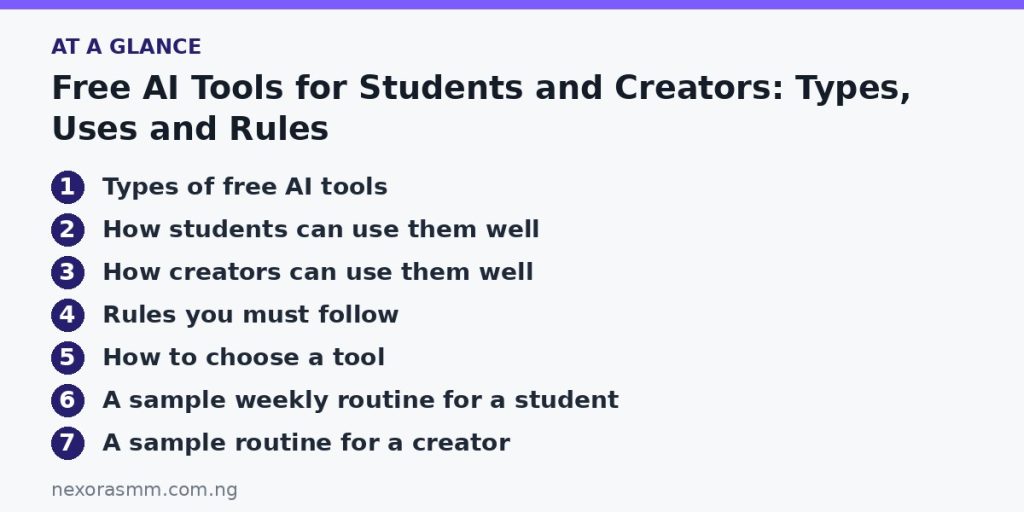
How students can use them well
- Understand, then write. Ask for an explanation of a topic in simple words, then write your own notes.
- Practise. Ask for quiz questions or flashcards, then answer without looking.
- Plan your time. Give the tool your deadlines and ask for a study schedule you can adjust.
- Improve your drafts. Ask for feedback on clarity and structure rather than asking it to write the whole assignment.
How creators can use them well
- Brainstorm titles, topics and content calendars.
- Create first drafts of scripts, then rewrite them in your own style.
- Generate thumbnails and graphics from templates.
- Add captions and translations to reach a wider audience.
- Repurpose one long piece of content into several short posts.
Rules you must follow
School and college rules. Many institutions have policies about AI use. Read yours and ask your teacher when unsure. Submitting work you did not write as your own can lead to serious penalties.
Accuracy. Check facts, figures and quotes against reliable sources. Never cite a source you have not actually seen.
Privacy. Do not enter personal data, passwords or confidential documents into tools unless you understand how the data is stored.
Copyright. Use only material you have the right to use. Read the terms for any generated images, music or text.
How to choose a tool
- Decide the task first: writing, research, design, audio or video.
- Read the free plan limits, such as monthly usage or export restrictions.
- Check the privacy policy and how your data is handled.
- Test with a small task before using it for something important.
- Be wary of unknown apps that ask for payment details for a “free” trial or for unnecessary permissions.
A sample weekly routine for a student
On Sunday, list your assignments and deadlines and ask an assistant to turn them into a realistic plan for the week. Each evening, spend twenty minutes asking it to explain one difficult idea from class in simpler words, then close the tool and write a summary from memory. At the end of the week, ask for ten practice questions on that material and mark your own answers against your notes and textbook. This routine uses AI to support learning rather than to replace it, and it makes exam preparation far less stressful.
A sample routine for a creator
Choose one main idea per week. Ask an assistant for several angles on it, pick one and write the script yourself. Use a design tool to prepare a thumbnail, record your content, add automatic captions and review them line by line. Finally, break the finished piece into a few short posts for other platforms. You stay responsible for the message while the tools handle repetitive steps.
Frequently asked questions
Will free tools always remain free? No. Plans and limits change, so avoid building your whole workflow on a single tool without a backup option.
Is it cheating to use AI? It depends on the rules and how you use it. Using a tool to understand a topic is different from submitting its output as your own work.
Can I earn money with these tools? Yes, by offering services such as editing, design or content creation, as long as you add real skill and check quality.
What if the tool is wrong? Treat every output as a draft. Cross-check with trustworthy sources.
Key takeaways
Free AI tools can save time and help you learn, but they work best when you stay in charge: understand the material, verify the facts, respect the rules and protect your privacy. Choose tools by the task, test them on small jobs and keep your own voice in everything you publish.
Educational content only — not financial advice. Income and savings results vary and are never guaranteed. How we write
Enjoyed this story?
Get the best stories delivered weekly.