10 Camera Movements to Include in AI Video Prompts
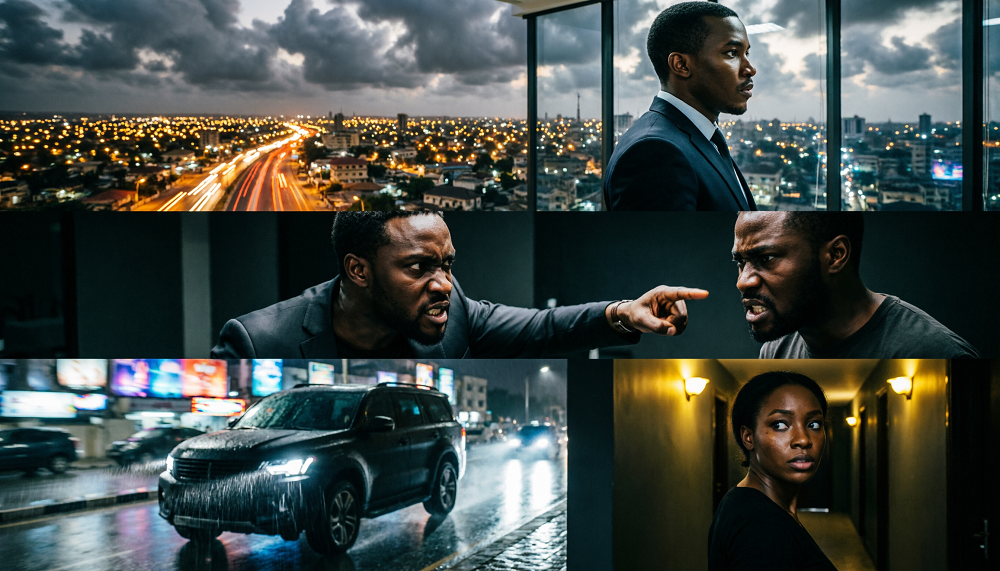
Camera movement is one of the most important elements of cinematic storytelling. When creating AI-generated films, the way a camera moves can determine whether a scene feels emotional, suspenseful, dramatic or exciting.
Instead of simply describing a character and a location, filmmakers can include precise camera instructions to guide the visual experience. These instructions help communicate how the audience should discover the scene and which details deserve attention.
Although AI video generators interpret camera directions differently, using clear instructions can improve creative control and make individual shots easier to plan.
1. Slow Dolly Forward
A dolly forward moves the camera toward a subject. This movement can create tension, draw attention to a character or gradually reveal an important detail.
Example prompt:
A Nigerian businessman sits alone in a dark office at midnight, staring at an unopened envelope on his desk. The camera slowly dollies forward toward his face as his expression changes from confidence to fear. Subtle shadows, realistic facial expressions, cinematic lighting, suspenseful African drama.
Best for: Emotional revelations, suspense and dramatic character introductions.
2. Camera Slowly Pulls Back
A backward camera movement gradually reveals more of the environment surrounding a character. It can make a person appear isolated or reveal a setting that changes the audience’s understanding of the story.
Example prompt:
A young Nigerian woman stands alone in the centre of an abandoned mansion. The camera slowly pulls backward, revealing the enormous empty hall, broken furniture and dark doorways surrounding her. Moonlight enters through shattered windows, atmospheric fog, realistic horror cinematography.
Best for: Revealing locations, loneliness and unsettling discoveries.
3. Tracking Shot Following the Character
A tracking shot follows a character as they move through an environment. The camera may follow from behind, beside the character or in front of them.
Example prompt:
A young Nigerian man walks cautiously through a narrow forest path at night. The camera tracks behind him as branches move in the wind and mist drifts between the trees. He suddenly stops after hearing footsteps behind him. Natural body movement, realistic forest environment, suspenseful cinematic lighting.
Best for: Walking scenes, journeys, chases and exploration.
4. Slow Pan From Left to Right
A pan rotates the camera horizontally while keeping its position approximately fixed. This movement can reveal a location gradually.
Example prompt:
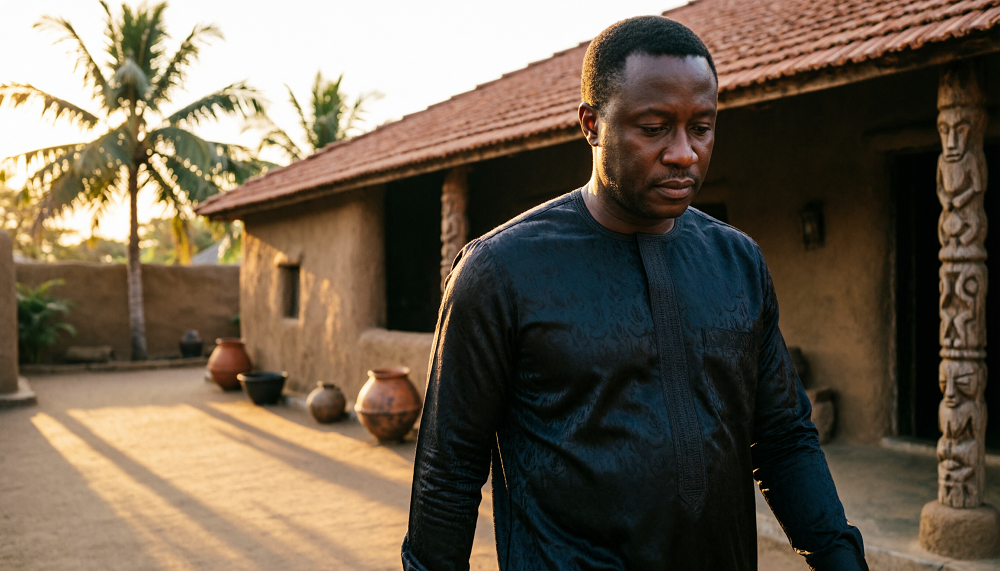
A slow cinematic pan moves from left to right across a traditional Nigerian family compound at sunset, revealing an old wooden gate, clay walls, a courtyard and several family members watching silently from the veranda. Warm golden light, realistic architecture, dramatic African family drama.
Best for: Introducing locations and revealing details across a scene.
5. Slow Pan From Right to Left
A pan from right to left can reveal something the audience has not yet noticed. It can also build suspense when the camera gradually approaches a disturbing detail.
Example prompt:
The camera slowly pans from right to left across a dark bedroom in an abandoned house, revealing dusty furniture, torn curtains and an old mirror. As the camera reaches the mirror, a faint human silhouette appears in its reflection. Realistic textures, low-key lighting, atmospheric horror.
Best for: Suspense, environmental details and unexpected discoveries.
6. Camera Circles Around the Character
A circular camera movement moves around a subject to reveal different angles. It can make an important moment feel dramatic, confusing or emotionally intense.
Example prompt:
A Nigerian woman stands motionless in the centre of a dimly lit room after discovering a family secret. The camera slowly circles around her while she looks down in disbelief. The background falls into shadow, warm light illuminates her face, realistic acting, cinematic emotional drama.
Best for: Emotional turning points, confrontations and character reveals.
7. Low-Angle Camera Shot
A low-angle shot positions the camera below the subject and points upward. This can make a character appear powerful, intimidating or imposing.
Example prompt:
A wealthy Nigerian businessman wearing an elegant black traditional outfit stands at the top of a grand staircase inside a luxurious mansion. The camera looks upward from a low angle as he stares down at the people below him. Dramatic lighting, realistic architecture, powerful character presence, cinematic composition.
Best for: Powerful characters, villains and dramatic entrances.
8. High-Angle Camera Shot
A high-angle shot looks down at a subject from above. Depending on the scene, it can make a character appear vulnerable, isolated or overwhelmed.
Example prompt:
A frightened young Nigerian woman sits alone on the floor of a large abandoned room. The camera looks down from a high angle, showing the empty space surrounding her. Pale moonlight enters through a broken window, long shadows stretch across the floor, realistic horror film atmosphere.
Best for: Vulnerability, isolation and revealing the layout of a location.
9. Over-the-Shoulder Shot
An over-the-shoulder shot frames a scene from behind one character, often showing another person or an important object in front of them. It is especially useful for conversations and confrontations.
Example prompt:
Over the shoulder of a Nigerian businessman standing inside a modern Lagos office, another man sits across the desk holding a confidential document. The seated man looks nervous while the businessman waits for an explanation. Soft background blur, realistic expressions, dramatic side lighting, cinematic dialogue scene.
Best for: Conversations, arguments, interrogations and moments of suspicion.
10. Close-Up Pushing Toward the Character’s Face
A close-up focuses on a character’s face, allowing the audience to observe subtle changes in emotion. A gradual push toward the face can increase tension.
Example prompt:
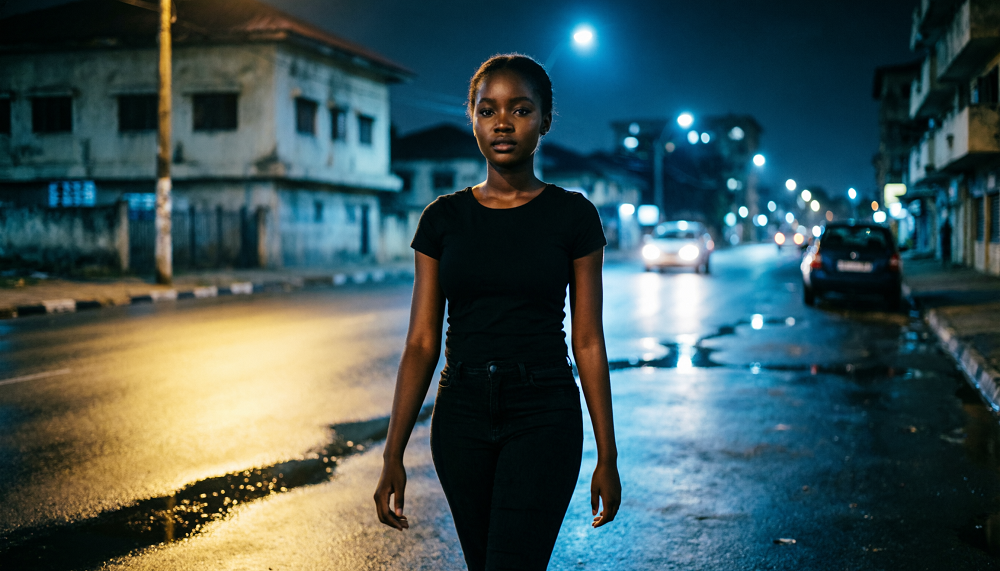
A young Nigerian woman stands in a dim hallway after hearing a strange sound behind her. The camera slowly pushes toward her face as her eyes widen and her breathing becomes shallow. Her expression changes from confusion to fear. Soft moonlight, deep shadows, realistic skin texture, suspenseful cinematic horror.
Best for: Fear, emotional reactions, important decisions and dramatic revelations.
How to Use Camera Movements in a Complete AI Movie
The most effective approach is to choose camera movements that support the story rather than adding movement to every shot.
For example, a short horror sequence might begin with a slow pan across an abandoned house, continue with a tracking shot following the main character, and then use a close-up as the character hears a mysterious sound.
You can assemble the sequence using video-editing software, add sound effects and background music, and adjust the timing to build suspense.
For better continuity, keep the character’s appearance, clothing, location details and lighting consistent across related shots. If your AI video generator supports reference images or camera controls, use those features alongside your text prompts.
Final tip: Think about what the audience should discover in each shot. A camera movement is not merely a visual effect; it is a storytelling decision that helps control attention, emotion and suspense.
Educational content only — not financial advice. Income and savings results vary and are never guaranteed. How we write
Enjoyed this story?
Get the best stories delivered weekly.